Navigation: Maximizing Accuracy and Avoiding Traffic
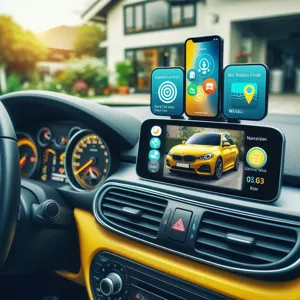
Navigation apps are your digital co-pilots. They do more than show a path; they process real-time traffic data, accidents, and road closures to calculate the most efficient route. Think of them as a personal assistant who knows every shortcut and warns you about upcoming obstacles before you reach them.
Google Maps remains the industry standard for sheer depth, offering precise arrival times and offline maps. Waze, however, relies on community-sourced data. This makes it superior for detecting real-time hazards like debris on the road or speed traps. In urban environments, Waze users report an average 10-15% reduction in time spent idling in traffic jams compared to standard GPS systems.
Field Experience: The Offline Backup Strategy
Never rely solely on your cellular signal in rural territories. A common error is losing connection in dead zones, leaving you without guidance. Always download offline maps before starting your trip. If you are using Google Maps, a 50-mile radius download typically consumes around 150MB of data, a small price for reliable navigation in remote areas.
Managing Fuel Costs Intelligently
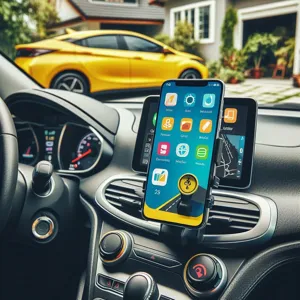
Fluctuating gas prices wreak havoc on a monthly budget. Apps like GasBuddy aggregate data from thousands of users to show you exact prices at nearby pumps. Imagine walking into a grocery store where the price of milk varies by 20% depending on which aisle you visit; that is what the fuel market looks like without these tools.
These apps often include trip-cost calculators. Before starting a long drive, input your destination and vehicle details to see exactly how much you will spend on fuel. If your vehicle gets 25 MPG and gas is $0.20 cheaper just three miles off your route, you could save $5 on a single tank of gas. Over a year of frequent driving, this adds up to significant annual savings.
Vehicle Maintenance: Proactive Digital Tracking
Ignoring car maintenance is like skipping health checkups; small issues eventually snowball into massive repair bills. Use apps like Simply Auto or Carfax Car Care to digitize your vehicle’s service history. These tools act as a central repository for oil changes, tire rotations, and brake inspections.
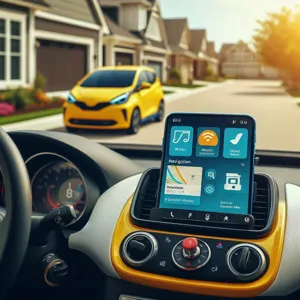
The value here is in the data-driven notifications. An app tracks your exact mileage and alerts you when service is due. It is the difference between replacing a $30 filter now and paying for a $1,500 engine component replacement later. Detailed service logs also increase the resale value of your vehicle by proving to a buyer that you strictly followed the manufacturer’s schedule.
Roadside Assistance and Emergencies
Every driver should have a dedicated plan for when the vehicle fails. While insurance providers offer native apps, third-party services like AAA or Urgent.ly provide on-demand assistance without requiring a long-term membership. Think of these as an Uber for repairs.
If you get a flat tire or lock your keys in the car, these apps use your GPS location to dispatch a technician directly to you. To ensure your safety during these moments:
- Save your insurance policy number in the app notes for quick retrieval.
- Test the ‘Help’ button while parked to confirm the interface works as expected.
- Ensure your phone’s location services are set to ‘Always Allow’ for the app.
Dashcams: The Essential Witness
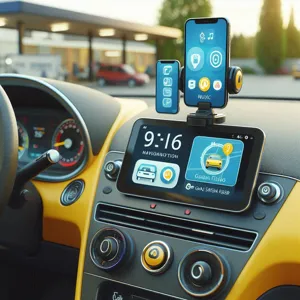
Smartphone dashcam apps like CamOnRoad turn your device into a security tool. They record the road ahead and store footage either locally or in the cloud. In the event of an accident, having recorded video proof can prevent disputes and save thousands of dollars in insurance claims. Data shows that drivers with dashcams are 30% more likely to have insurance disputes settled in their favor.
Most of these apps utilize loop recording. This automatically deletes old footage to save storage space while constantly keeping the last 60 minutes of your drive. This process is fully automated. You can set it up once and rely on it during your daily commute.
Safe Usage Protocol: The ‘Hands-Off’ Rule
Using an app while driving is a major distraction that negates the safety benefits they provide. You must treat your phone as a stationary tool, not an active device during transit. Follow these three rules to keep yourself safe:
- Mount the Device: Use a high-quality dashboard or air vent mount. Your screen should be at eye level so you do not have to look down or away from the road.
- Set Before You Start: Configure your navigation, playlist, and podcasts before shifting into gear. If you need to make a change, wait until you are parked at a red light.
- Voice Commands Are Mandatory: Train yourself to use Siri or Google Assistant for every interaction. Changing a song or a destination should be handled entirely by your voice, keeping your hands firmly on the wheel.
Conclusion: Optimizing Your Digital Toolkit
You do not need to download every app available. A cluttered phone is as dangerous as a cluttered dashboard. Start by choosing one navigation app, one maintenance tracker, and one roadside assistant. Evaluate their utility over one week. If an app adds more friction than value, delete it immediately. Your goal is to simplify your journey, not complicate your technology usage.
Content updated on 2026-08-25